Effortlessly Split Audio Tracks with AI
Upload your audio file now and experience fast, high-quality AI stem separation online for free.
Audio Processing Studio
Upload, isolate vocals, preview and download
Upload your audio file
Drag and drop, or click to select • MP3, WAV, FLAC, M4A • Max 500MB
What is Audio Splitter?
With Voice Isolator’s audio splitter, users can extract vocals for remixing, remove distracting background noise, or isolate specific sound elements to enhance overall clarity. It’s a powerful solution for creating clean, professional-grade audio tracks with ease, making it indispensable for creators aiming to refine their projects.
Get Professional-Quality Results with Our Free Audio Splitter
Audio Splitter is convenience and precision for separating audio tracks into distinct components.
Isolate Vocals for Karaoke Tracks
With our audio splitter, you can easily remove instrumentals from songs to create high-quality karaoke tracks. It’s also great for extracting vocals for mashups, remixes, or acapella projects.

Enhance Podcasts and Voice Recordings
Audio splitter is invaluable for podcasters and voiceover artists. It helps separate background noise and focus on speech, delivering crystal-clear voice recordings that sound professional and engaging.

Create Instrumental Versions
Musicians and music enthusiasts can extract instrumentals from audio tracks to practice singing or playing along, or for creative projects such as remixes and covers.
Improve Video Audio Quality
Video editors can use an audio splitter to isolate dialogue from background music or noise, ensuring that the spoken content stands out in films, vlogs, and tutorials. This is especially useful for projects requiring polished and clean audio tracks.
AI-Powered Tool: Split Tracks with Precision and Ease
Cutting-Edge AI Technology
Powered by advanced algorithms, the audio splitter accurately identifies and isolates vocals, instruments, and background noises. This ensures high-quality results without distortion or compromise, making it ideal for everything from music remixing to podcast editing.
Versatility Across Applications
Whether you’re creating karaoke tracks, refining a podcast, or enhancing audio for a video project, the tool adapts to your needs. It works with a wide range of audio formats, including MP3, WAV, and FLAC, ensuring compatibility with your existing files.
Fast and Free
Save both time and money with this free tool. It processes files quickly, so you can focus on your creative work instead of waiting for lengthy processing times.
Frequently Asked Questions
Learn more about the product and make the audio splitting process easier!
Start Splitting Audio Tracks with AI Today!
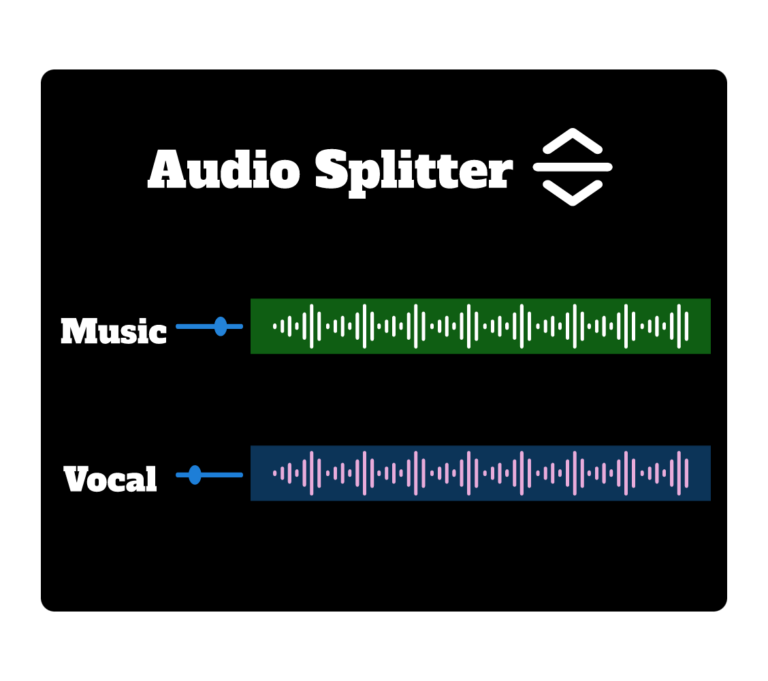
Use the AI Audio Splitter to separate vocals, instrumentals, drums, and music stems instantly.